
Hood Warfare 2 • Guides • Features
Hood Warfare 2 Cheats & Hacks: Features Guide
Published 13 Oct 2026 · Updated 14 Oct 2026
Explore Hood Warfare 2 cheats and hacks: configurable aimbot, player ESP, item & objective ESP, radar, widgets and saved profiles. Compare the product controls and review live license availability from the product page.
Feature groups at a glance
Aimbot
Aim key, targeting priorities, bone scan, distance limit and movement prediction
Smoothing
Basic presets plus advanced curves, assist and endpoint noise
Player ESP
Boxes, skeleton, names, held items, distance and health
Item ESP
Pickups, medkits, objectives, bombs, bullets, drive-by cars and more
Radar & Awareness
Radar size, compass, off-screen arrows, snaplines and threat warnings
HUD & Profiles
Crosshair presets, widgets, graphics overrides and saved configs
Related resources: current product status · setup guidance · license prices.
Real product screenshots
These screenshots show the actual menu structure used on the current product build. Use them to compare controls before purchase.
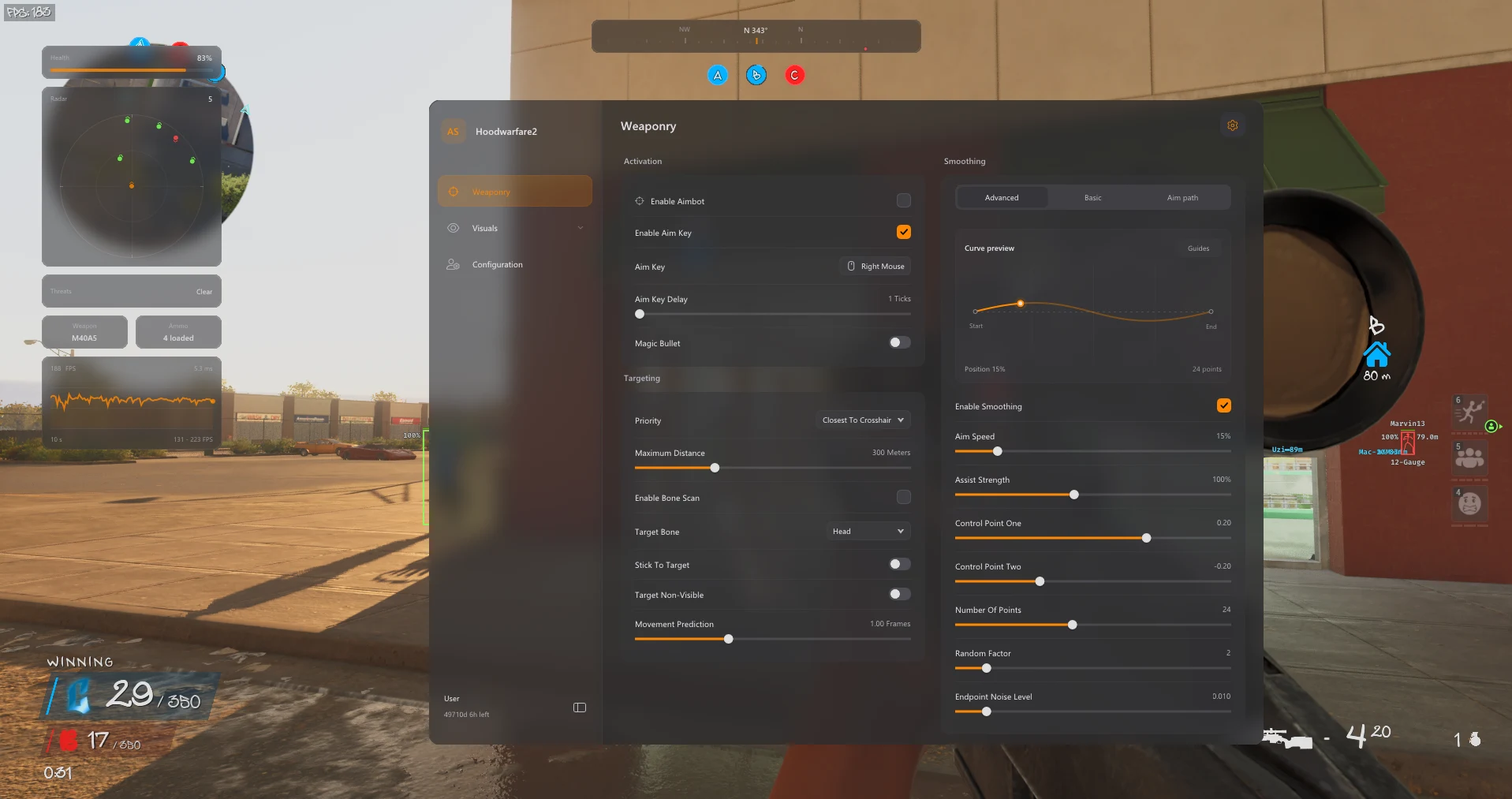
Weaponry & Aimbot Menu
Activation, targeting, delay, bone scan and advanced smoothing. Legacy screenshot shown; Magic Bullet was removed on 14 Oct 2026.
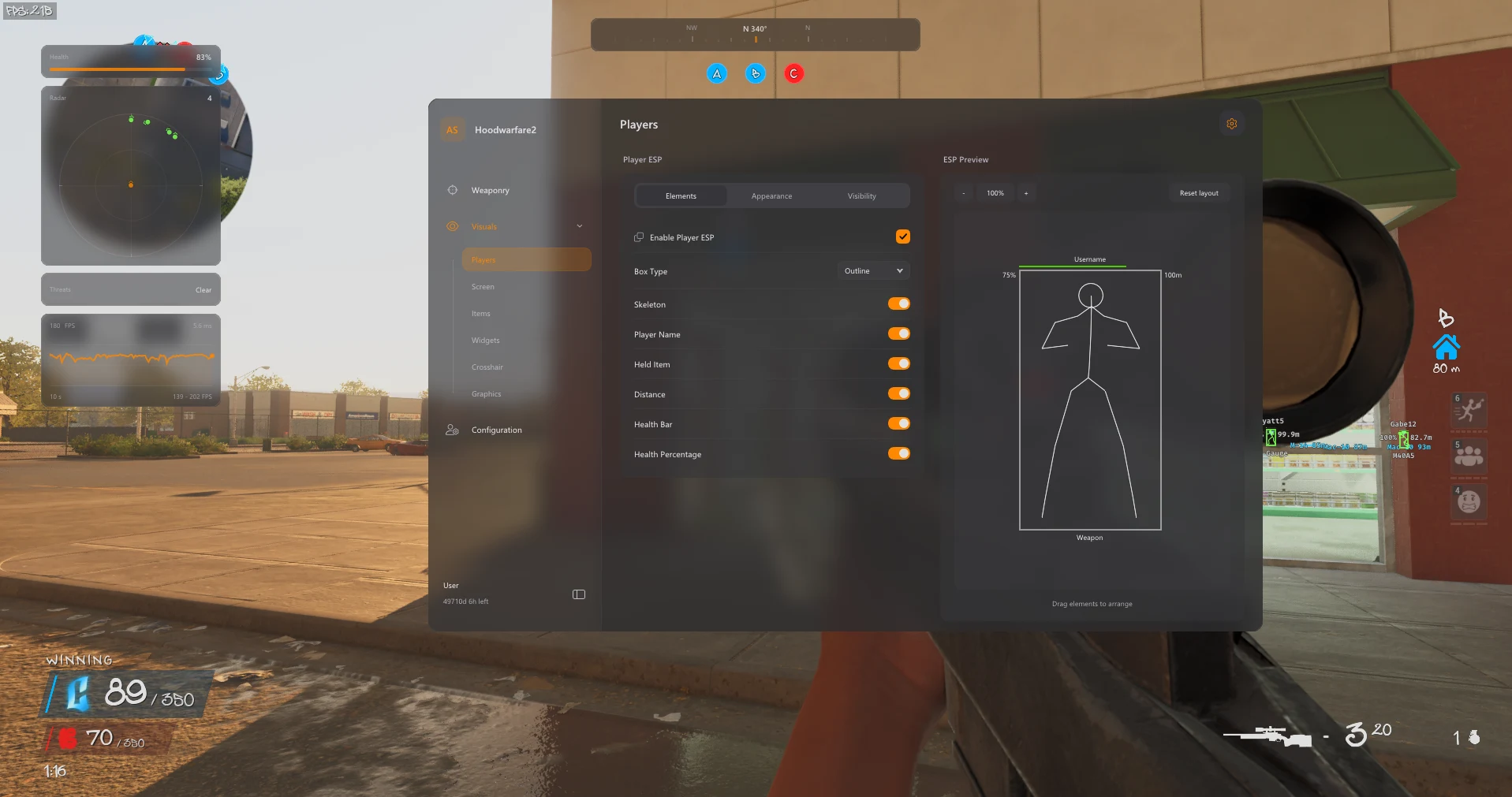
Player ESP Preview
Boxes, skeletons, player names, held items and health information.
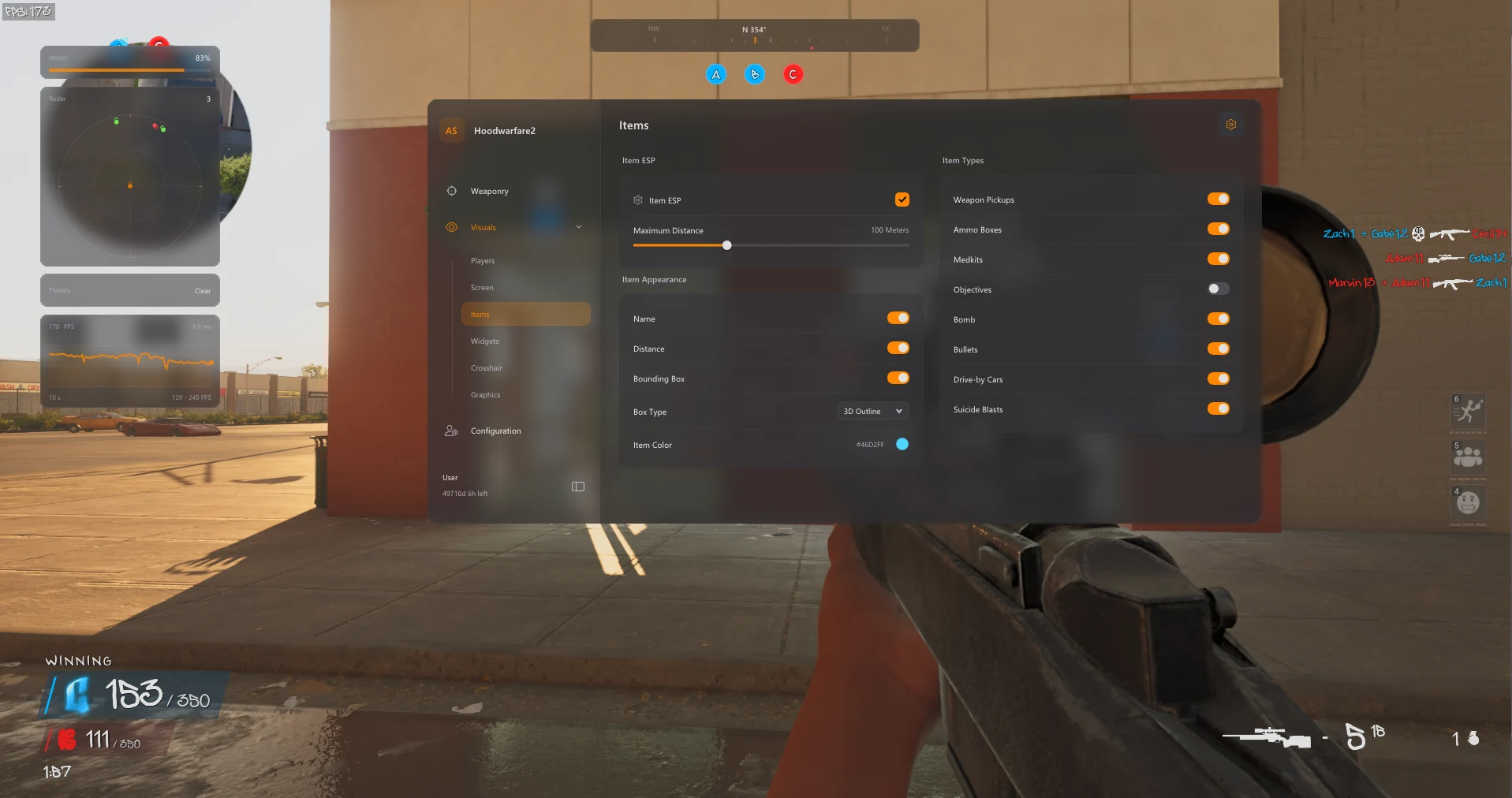
Item & Objective ESP
Distance, box type and item toggles for pickups, ammo, medkits, bombs and more.
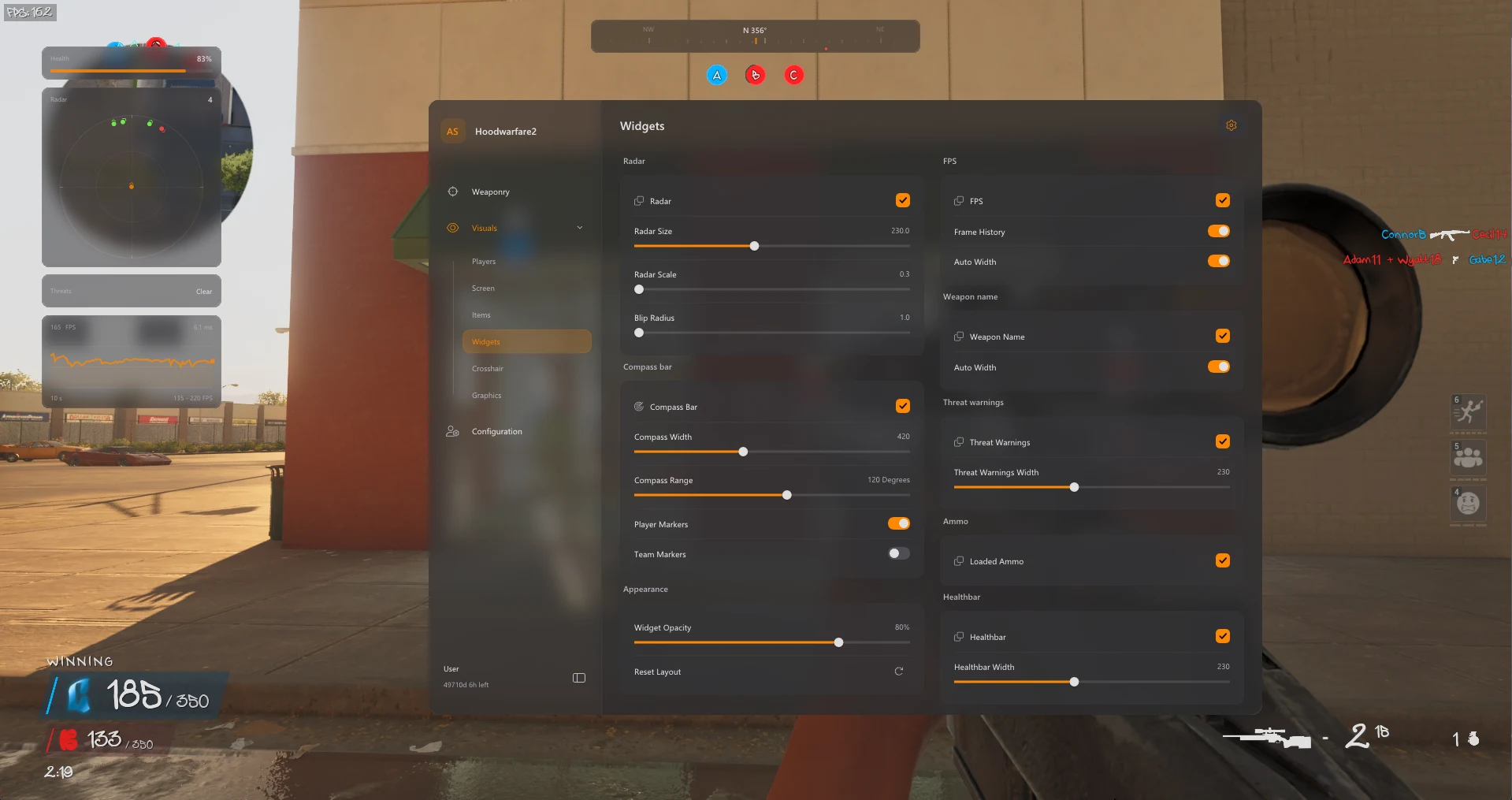
Widgets & Radar
Radar, compass bar, threat warnings, ammo, FPS, healthbar and widget opacity.
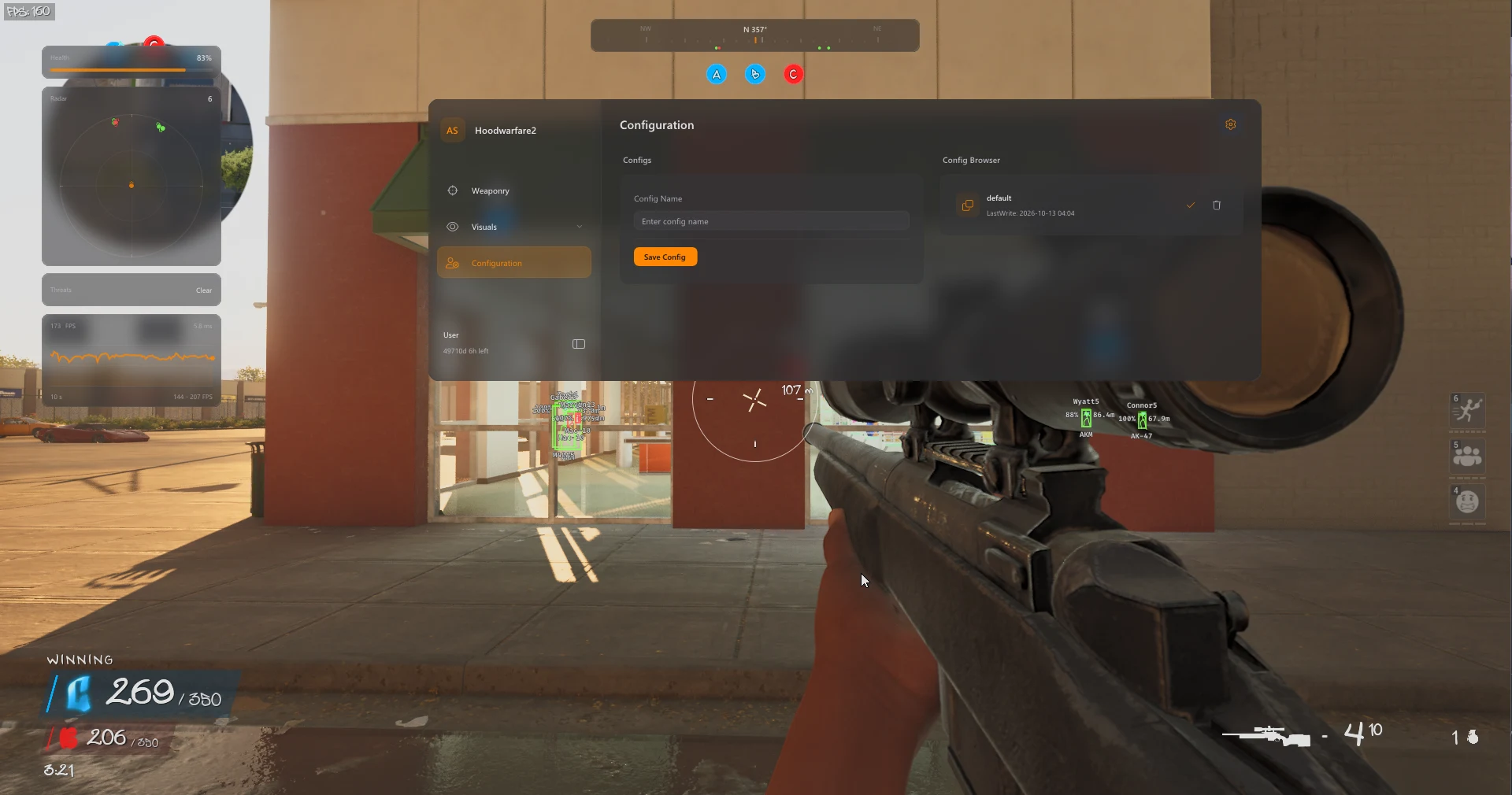
Configuration Profiles
Save and load named profiles to preserve working aim, ESP and HUD layouts.
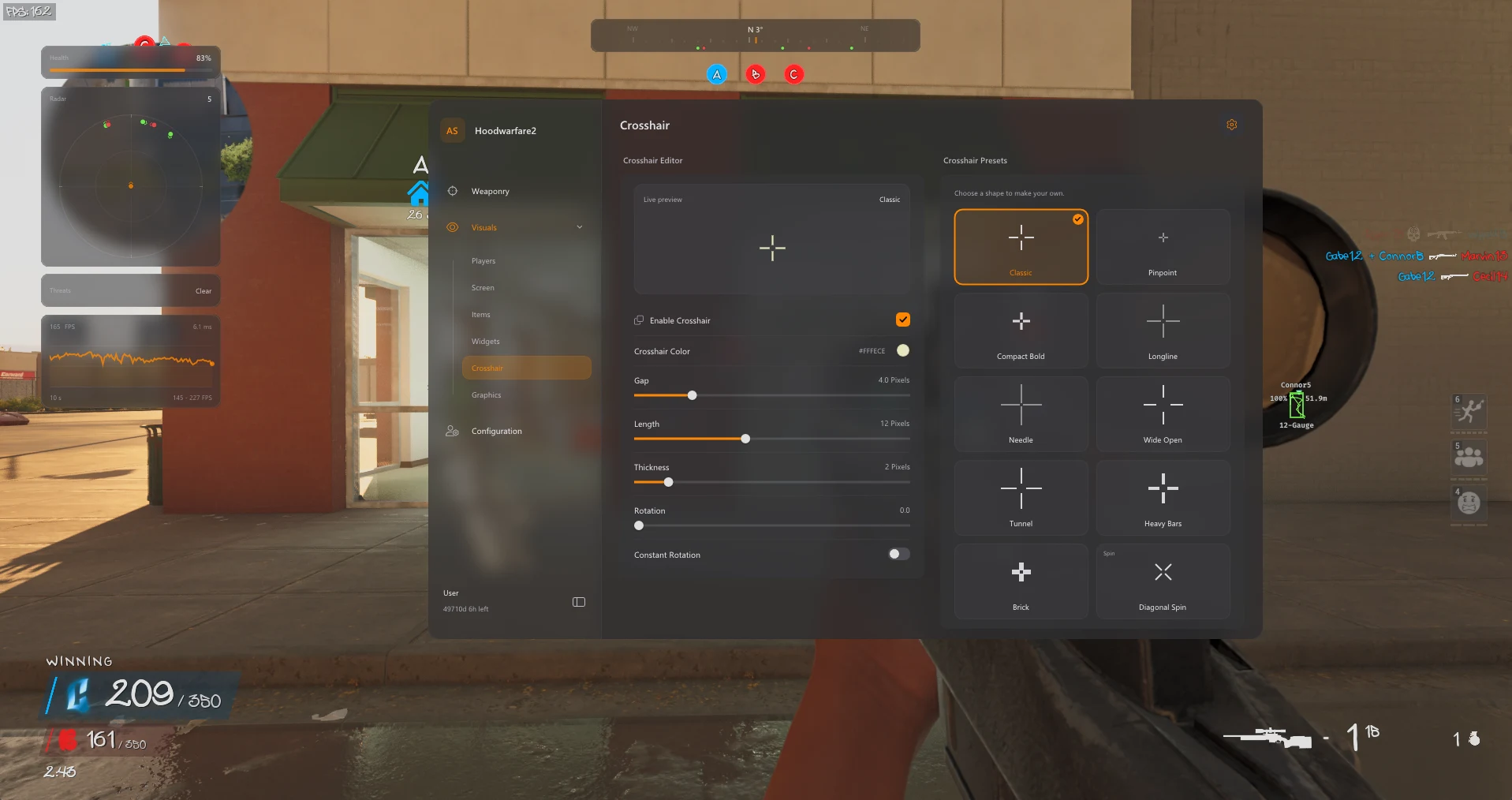
Crosshair Editor
Presets plus colour, length, thickness and rotation controls.
Choosing the right HUD layout
Player overlays can show names, weapon labels, health, distance and skeleton elements independently. Keep labels readable by setting sensible distance limits and disabling unnecessary visual elements. Item and objective ESP use different categories, so they can be configured separately.
Understanding profiles
The configuration browser supports saving, loading and deleting named profiles while retaining a default profile. Save one baseline, then create additional profiles for different HUD and aim layouts. Use the Aimbot guide and ESP & Radar guide for a breakdown of their controls.