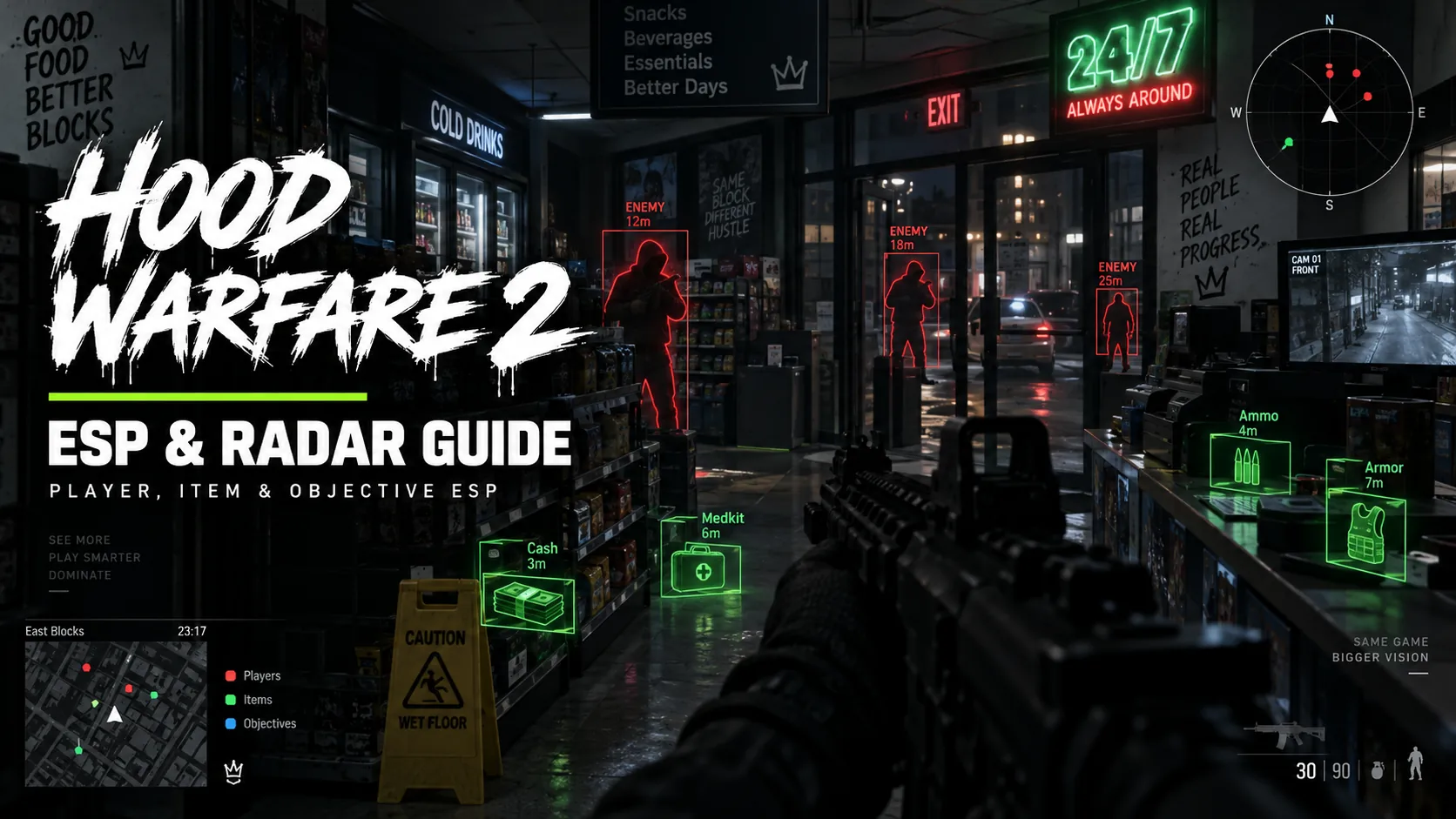
Hood Warfare 2 • ESP • Radar
Hood Warfare 2 ESP & Radar Guide
Published 13 Oct 2026 · Updated 14 Oct 2026
Player ESP, item ESP and radar answer different questions. Player ESP identifies people and health information. Item ESP highlights supported pickups and objectives. Radar, compass and threat warnings help interpret off-screen information.
Display groups
Player ESP
Enable boxes, skeletons, names, held items, distance, health bars and percentages.
Item ESP
Toggle pickups, ammo boxes, medkits, objectives, bombs, bullets, drive-by cars and suicide blasts.
Widgets & Radar
Adjust radar size, compass width, threat warnings, ammo widgets and healthbar layout.
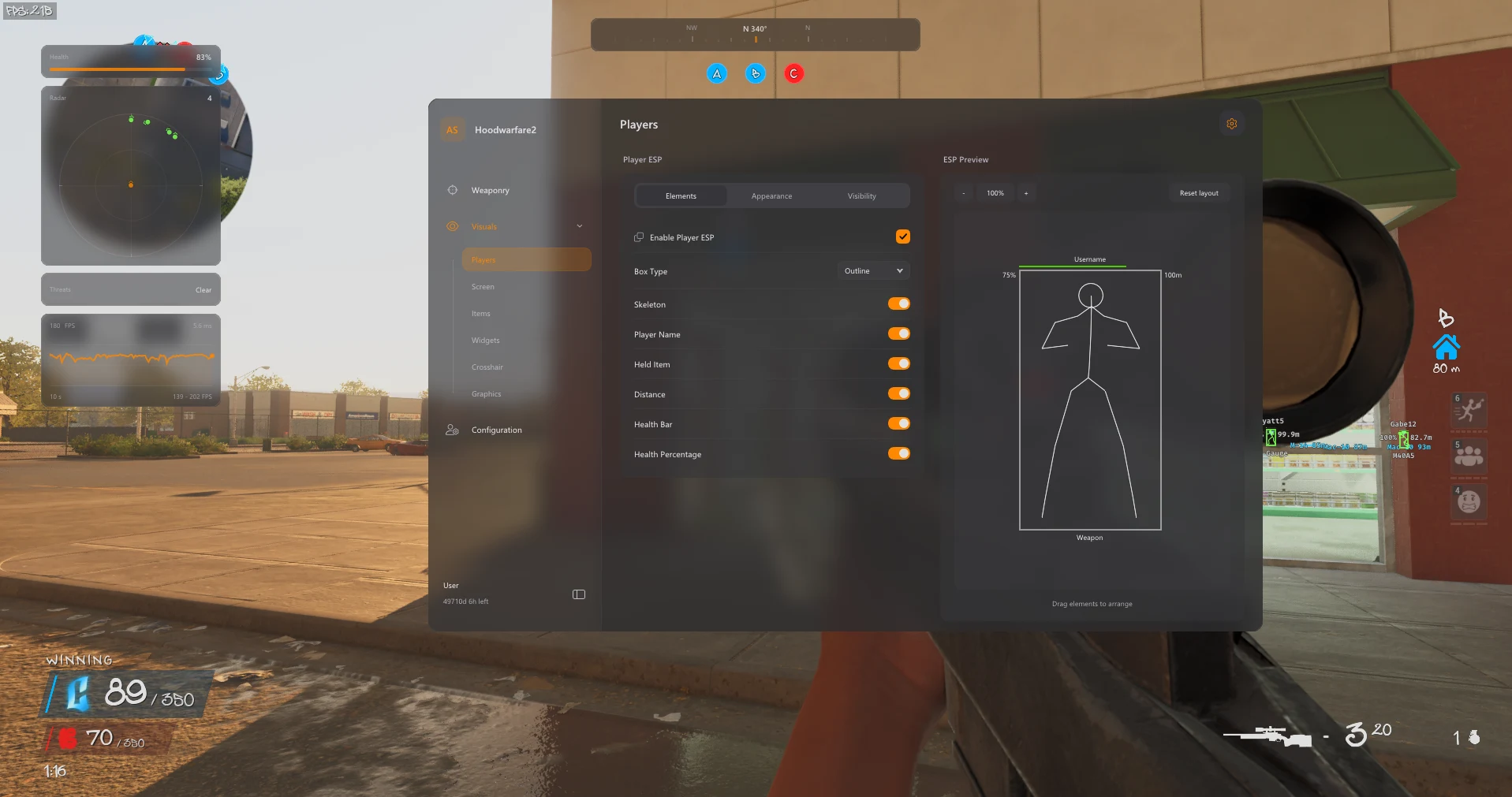
Player ESP Preview
Boxes, skeletons, player names, held items and health information.
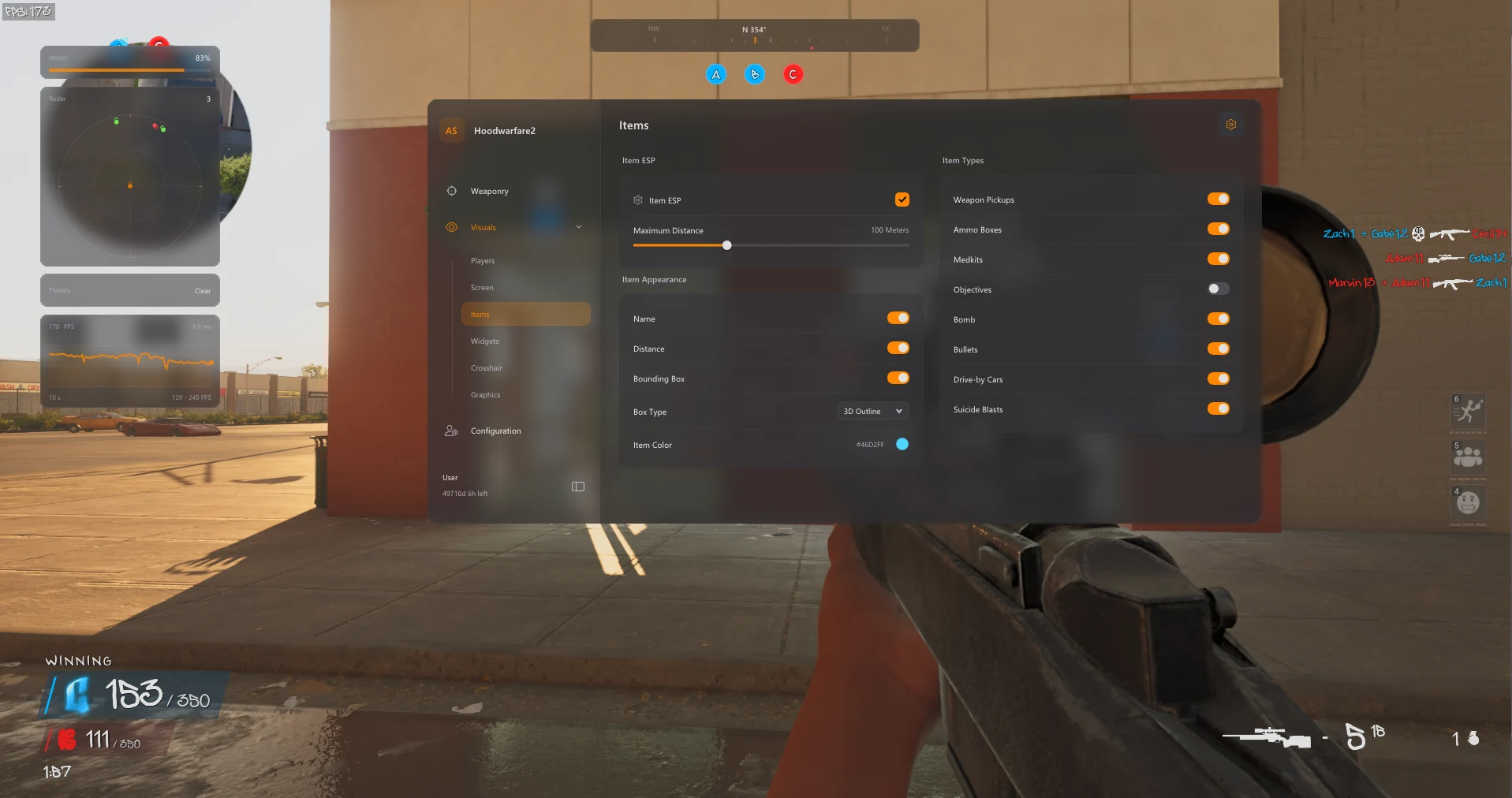
Item & Objective ESP
Distance, box type and item toggles for pickups, ammo, medkits, bombs and more.
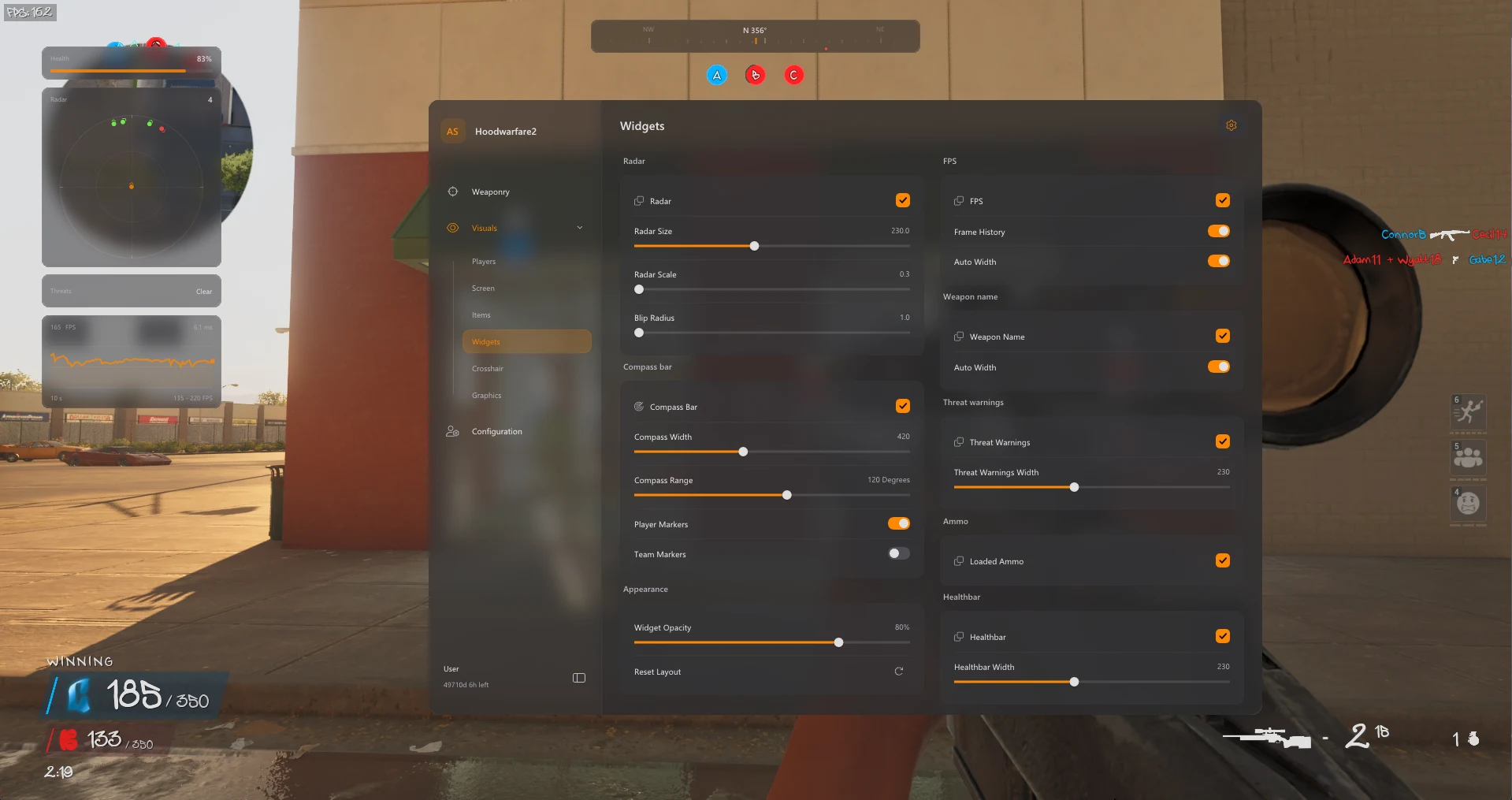
Widgets & Radar
Radar, compass bar, threat warnings, ammo, FPS, healthbar and widget opacity.
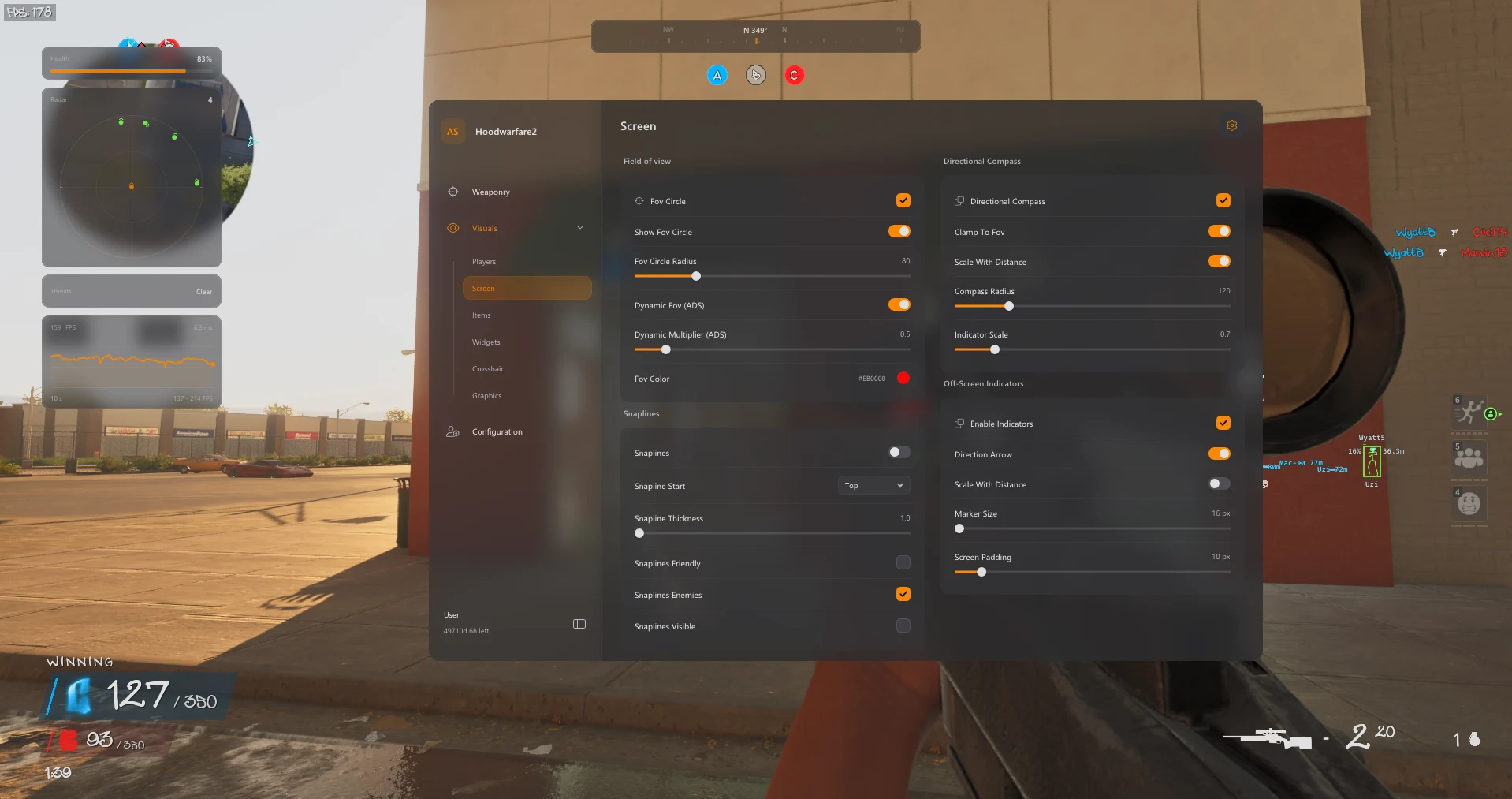
Screen FOV & Compass
Targeting FOV, ADS scaling, directional compass and off-screen indicators.
Player ESP filters
Available controls include box styles, skeletons, player names, equipped items, distance, health bar and percentage, plus team/enemy and visible-player filters. The menu contains a preview for arranging overlay elements.
Item and objective categories
Item categories include weapons, ammunition, medkits, objectives, bombs, bullets, drive-by cars and suicide blasts. Maximum distance, name labels, box style and colors are separately adjustable.
Radar & off-screen awareness
Radar size, scale and blip radius change widget presentation. Additional controls include a compass bar, off-screen arrows, directional markers, threat warnings and snaplines. These are settings descriptions, not a promise of compatibility with every patch.